Desktop Clock Settings are divided into four tabs:
- Desk Display
- Clock Type
- Users
- Activation
Desk Display
Use Desk Display to control how the desktop clock appears.
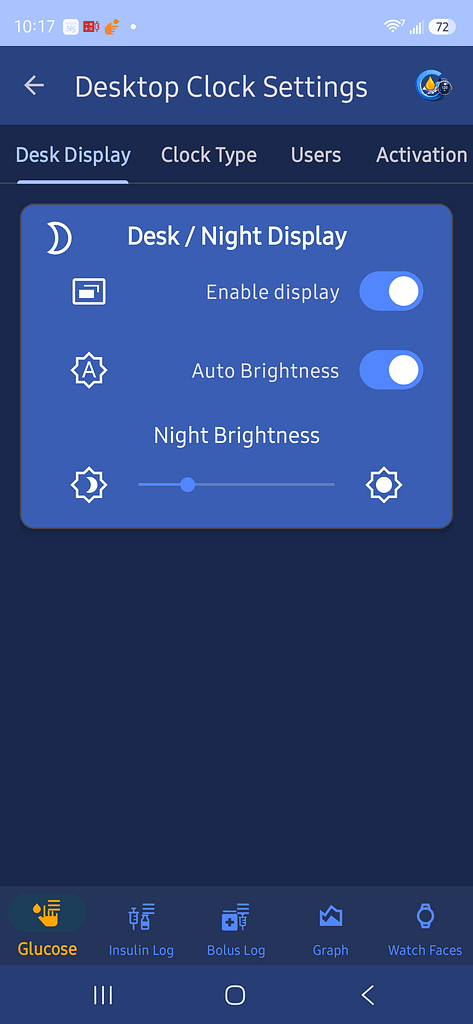
Enable Display
Turn this on to enable the desktop clock display.
Auto Brightness
Turn this on to allow GlucoGlance to adjust brightness automatically.
Night Brightness
Use the slider to choose the brightness level used for the night display.
Clock Type
Choose the clock style:
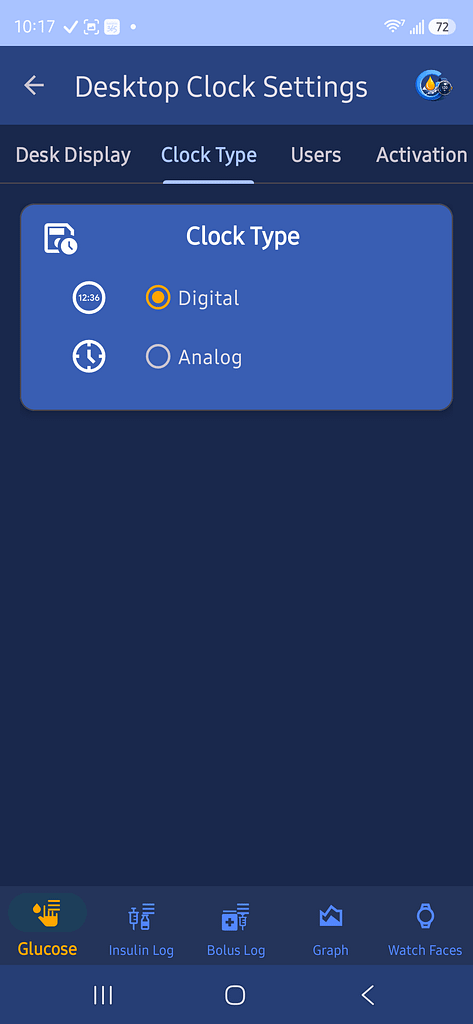
- Digital
- Analog
Users
Choose which users appear on the desktop clock.
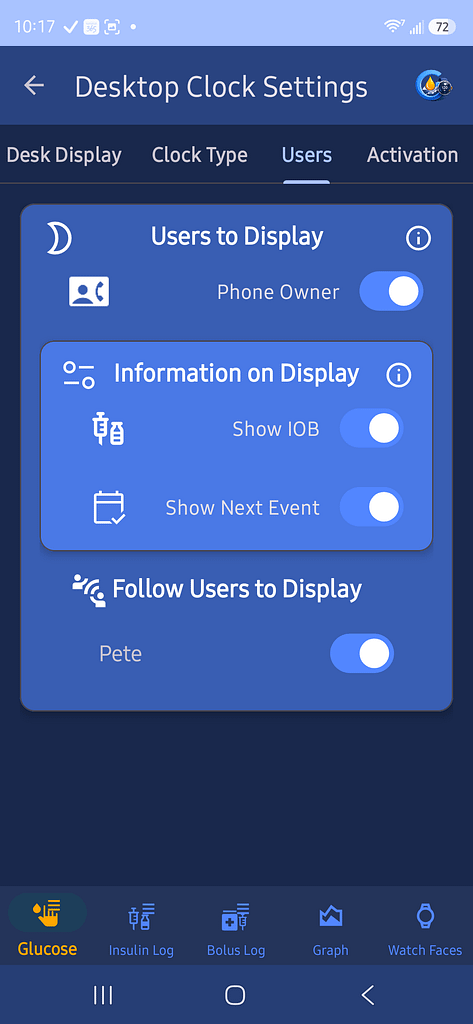
Phone Owner
Turn this on to display the phone owner’s glucose information.
Information on Display
Choose whether to show:
- IOB
- Next Event
Follow Users
Turn on each follow user you want displayed.
Activation
Choose when the desktop clock becomes active.
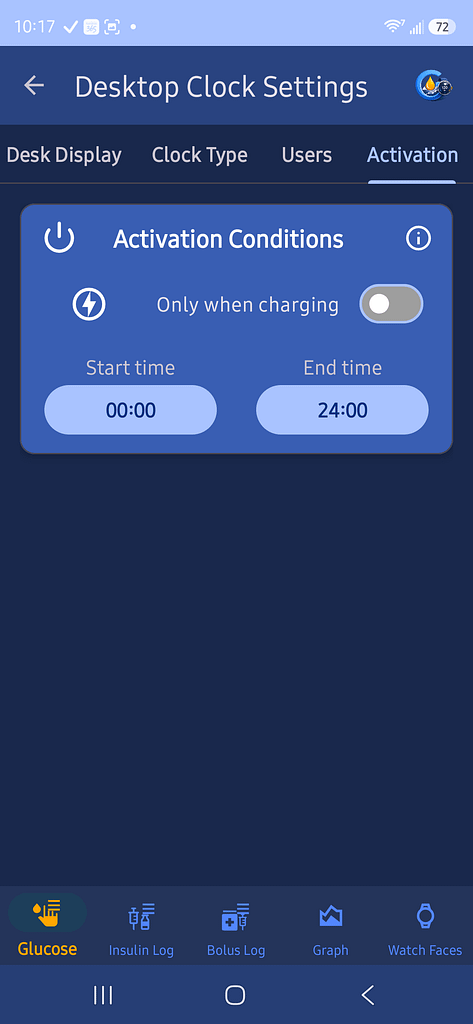
Only When Charging
Turn this on to activate the desktop clock only while the phone is charging.
Start Time and End Time
Set the daily time range when the desktop clock may run.
A start time of 00:00 and an end time of 24:00 allows the clock to run all day.