Once you have received a six-digit GlucoGlance Remote sharing code, you can access the Remote Feed from any device with a web browser.
Open:
The GlucoGlance Remote page will display a field for your 6-digit code and a View Glucose button.
Connecting to a Remote Feed
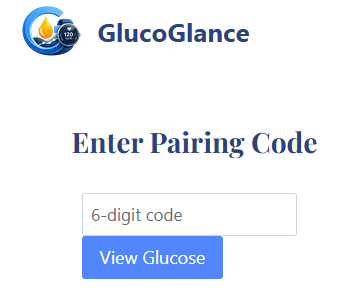
- Enter the six-digit sharing code you received from the GlucoGlance user.
- Select View Glucose.
- GlucoGlance Remote will use that code to connect to the Remote Feed associated with it.
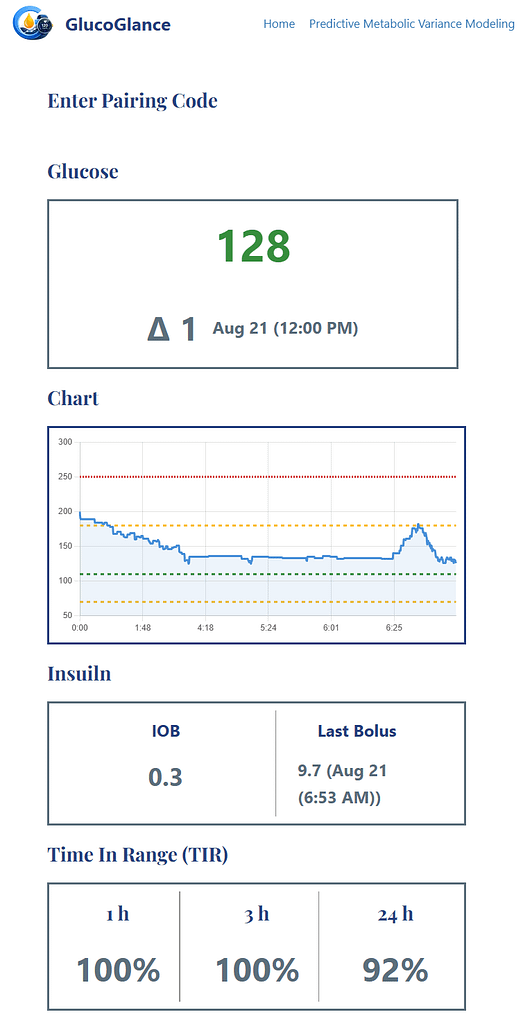
- Once connected, the available GlucoGlance Remote information will be displayed in your browser.
Returning to the Remote Feed
Keep the six-digit sharing code somewhere accessible if you expect to view the Remote Feed again.
The same code can continue to be used until the GlucoGlance user revokes the code or uses Remove All to remove their Remote Feed sharing information.
If Your Code No Longer Works
The GlucoGlance user controls access to their Remote Feed.
If a previously working code is no longer accepted, the code may have been revoked. Contact the person sharing their GlucoGlance data with you for a new or reactivated sharing code.