
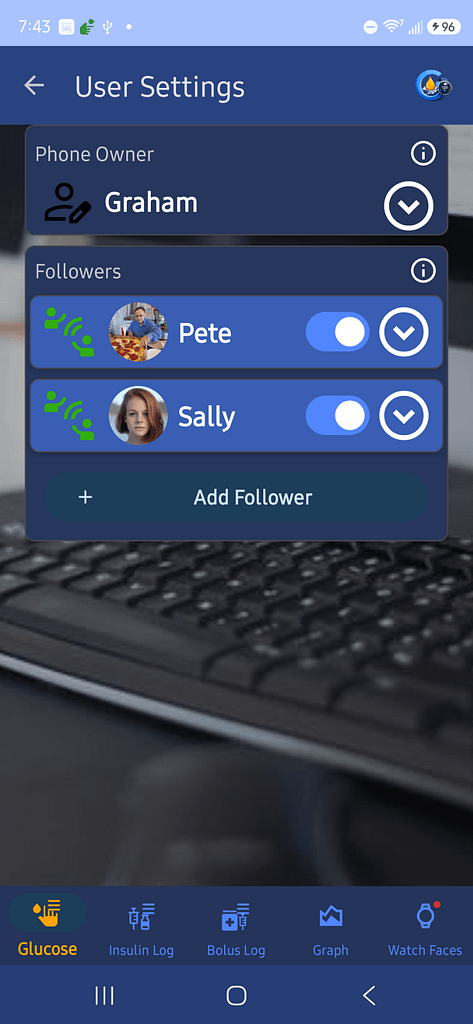
1. Settings > User Settings
Press + Add Follower
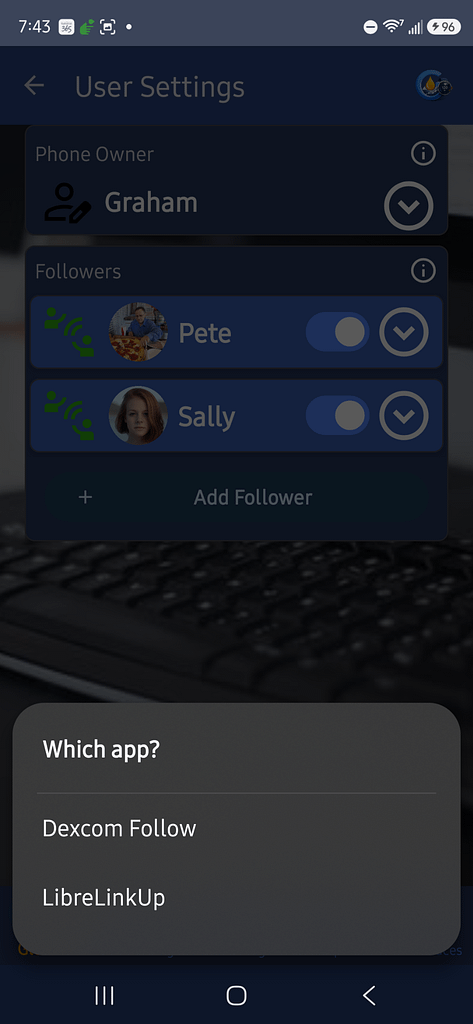
2. Choose the App
Choose which app you want to use. You may only have one choice
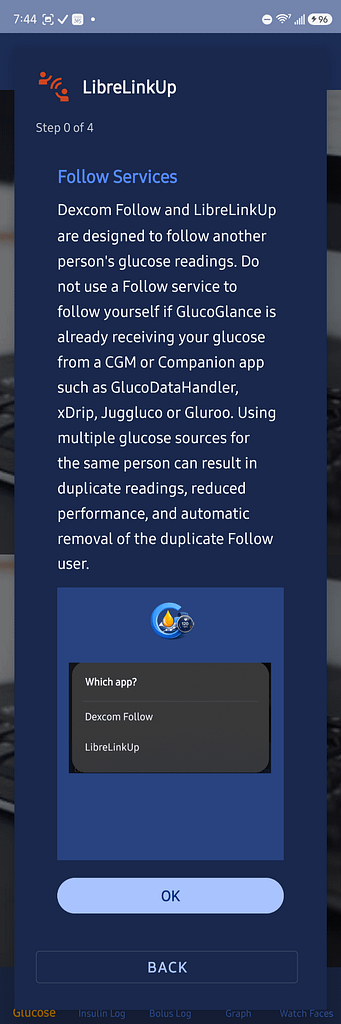
3. Follow User Warning
4a. Follow the prompts in the SetUp Wizard
The Name of the User you want to follow
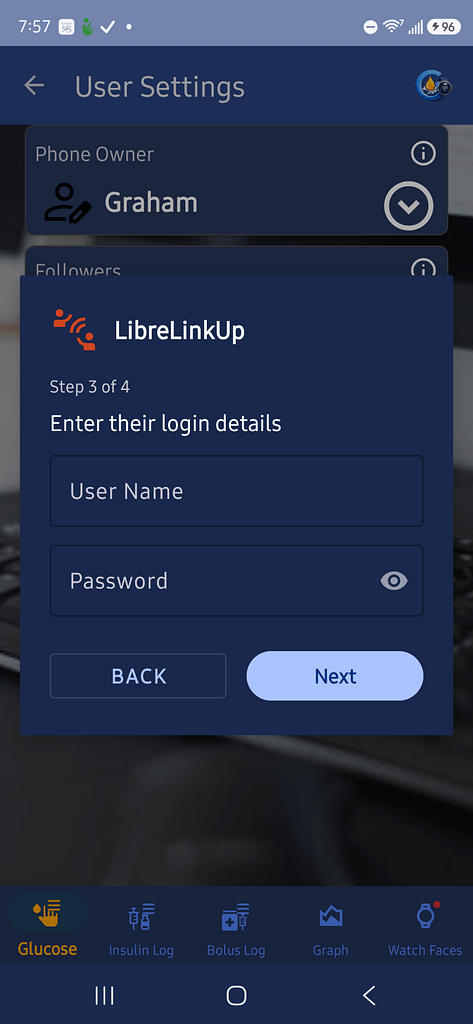
4b. Enter the credentials you use to connect to the Follow Service
User Name / ID and Password
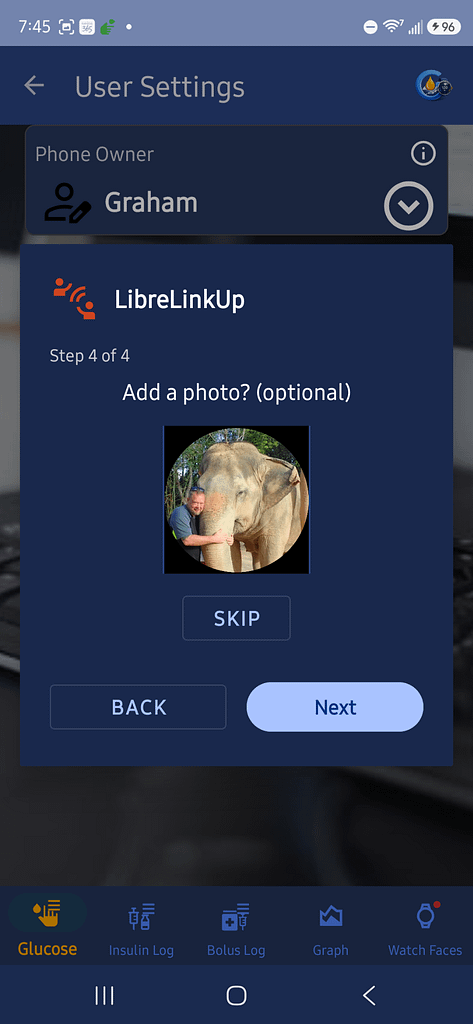
4c. Choose a Photo (Optional)
Photos are optional. They will be shown throughout the User Interface (Home Screen, Notifications and Watch Complications)
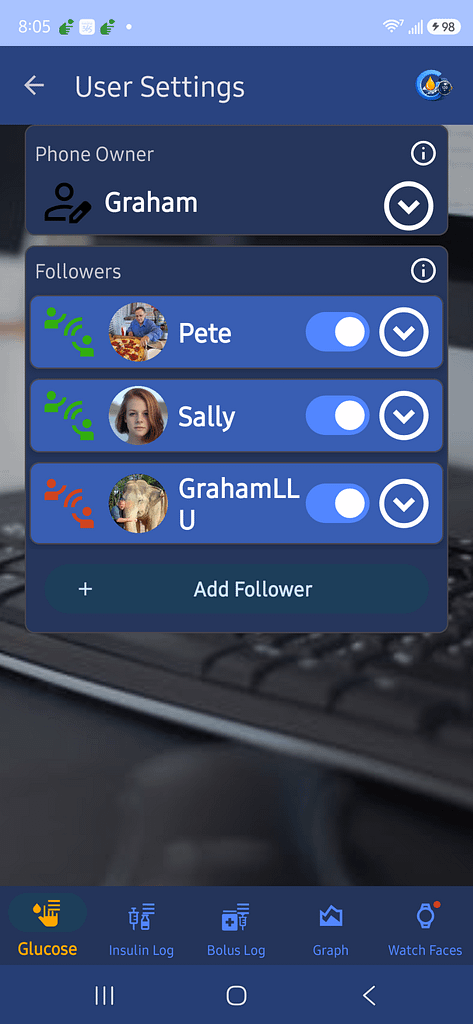
5. Exit the user setting with the back arrow at the top of the scree
This will return you to the Home Screen
6.Scroll to see the Users Glucose Card
Depending on your Display Settings you may need to scroll.
In this example you can see that it has received my last Libre reading was almost 170 days ago