Invite · ANDROID · WEAR OS
GlucoGlanceTwiist
Live glucose and twiist insulin pump data at a glance, without opening the twiist app.
Who it’s for
The twiist pump user
See your own numbers on the lock screen, watch and widget without opening an app.
Family and caregivers
A parent, spouse or partner sees the twiist user’s glucose and pump status on their own phone and watch.
What you see
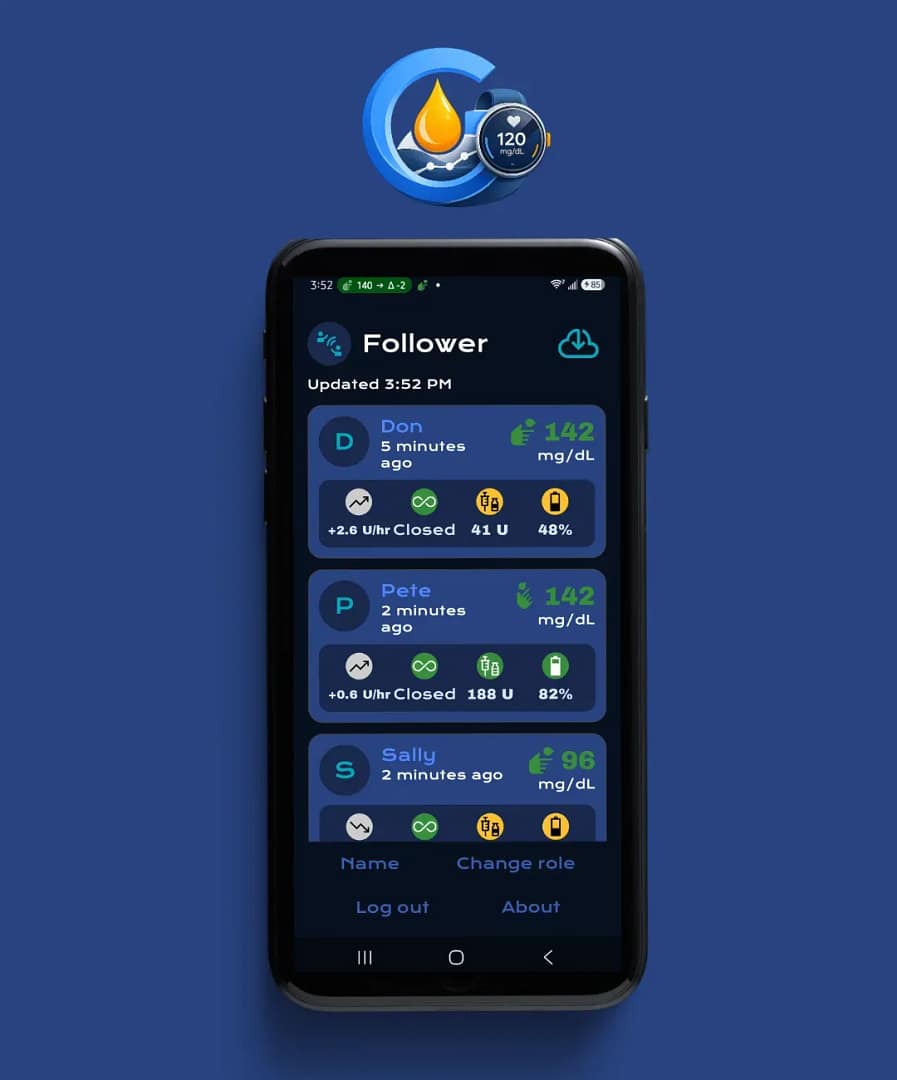
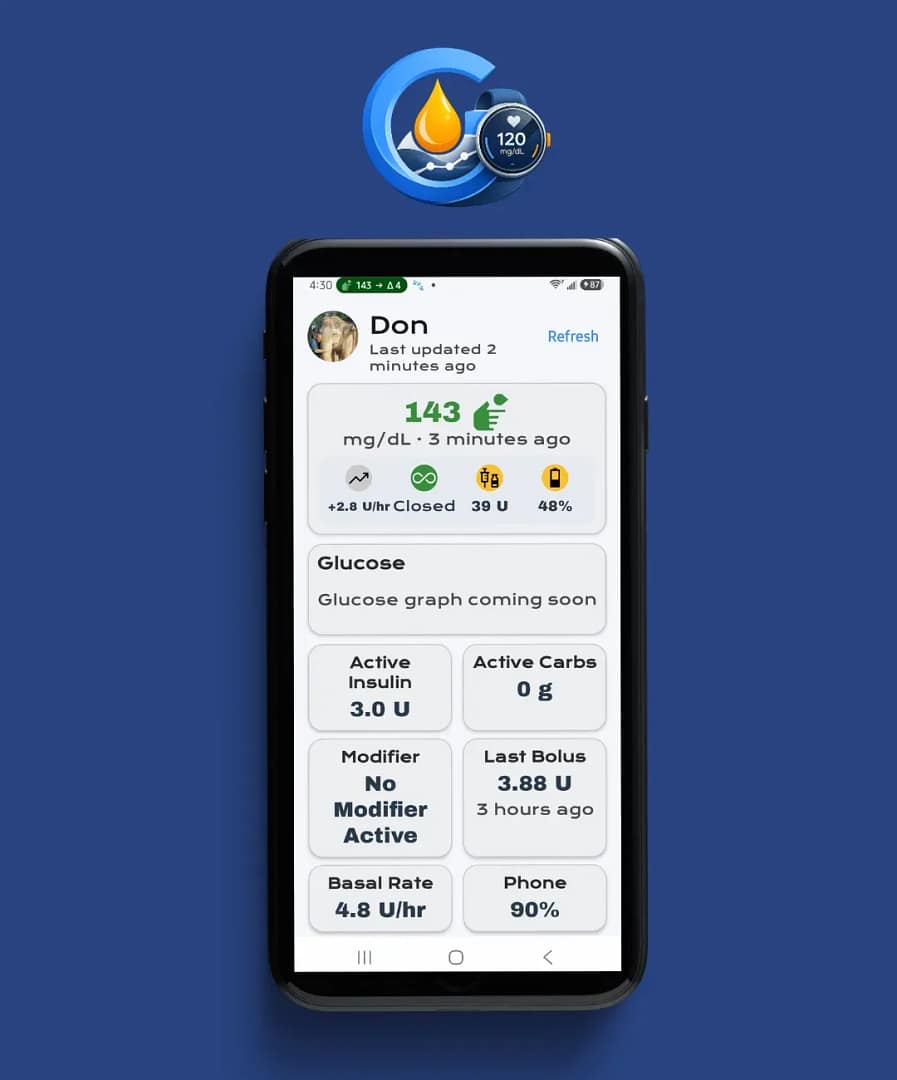
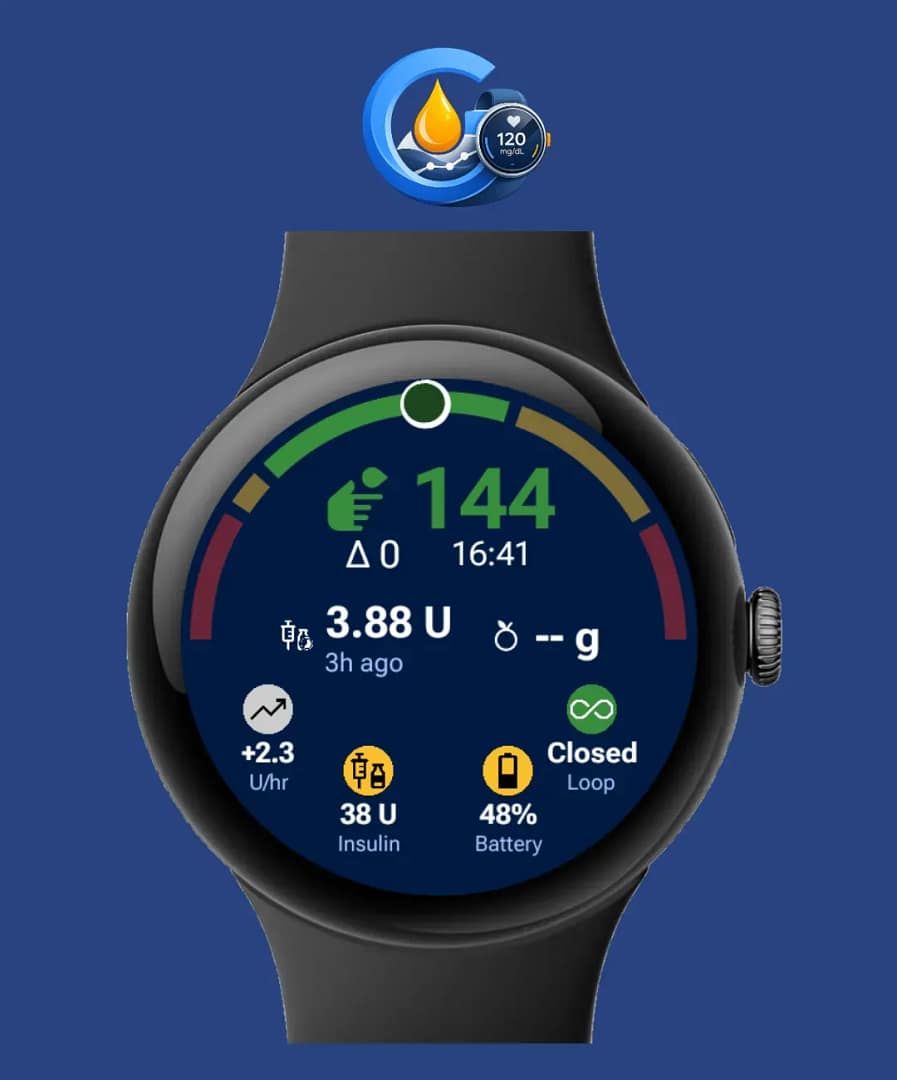
Glucose with a trend arrow and delta, plus your pump status. Updates every 60 seconds in the background. Stale readings are clearly marked.
- Insulin Delivery Status
- Loop status (Closed, Open or Off)
- Insulin left
- Pump battery
- Active Insulin
- Last Bolus
- Carbs
- Modifier (Pre-Meal or Workout)
Everywhere you look
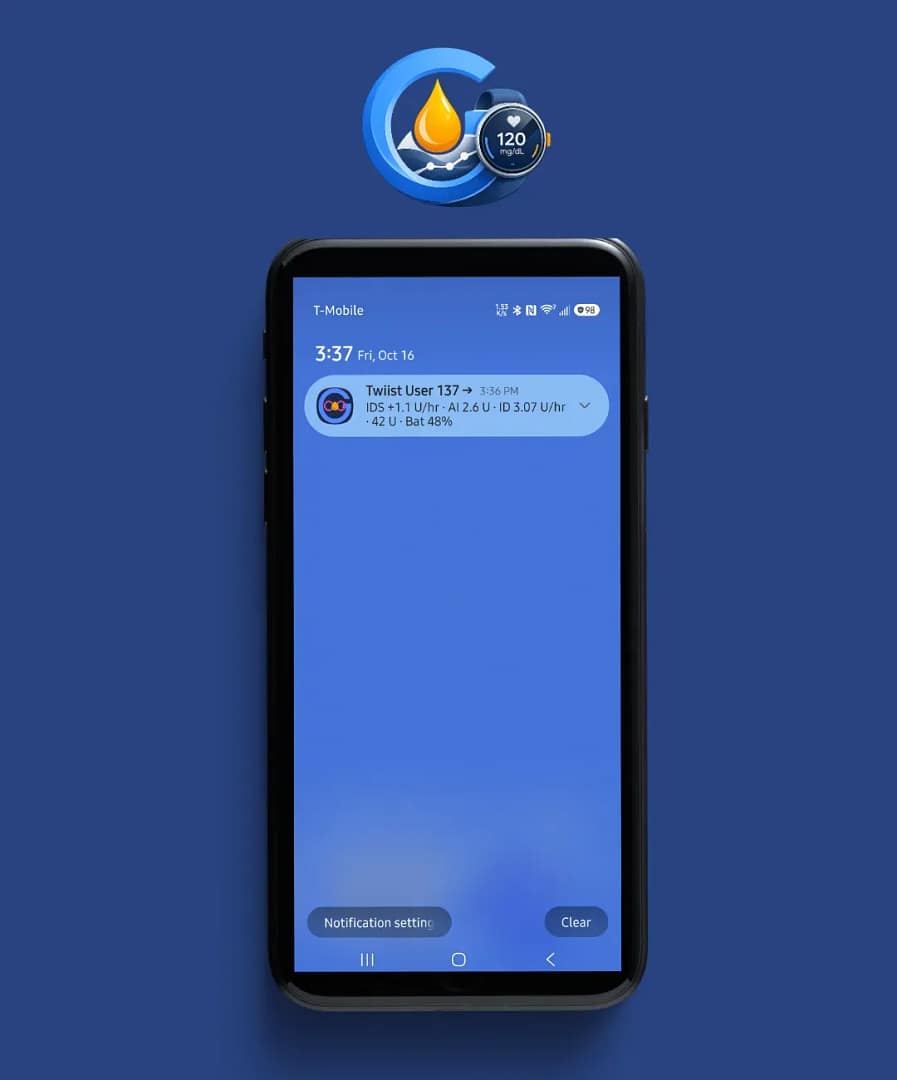
Notification
Pump status in one line.
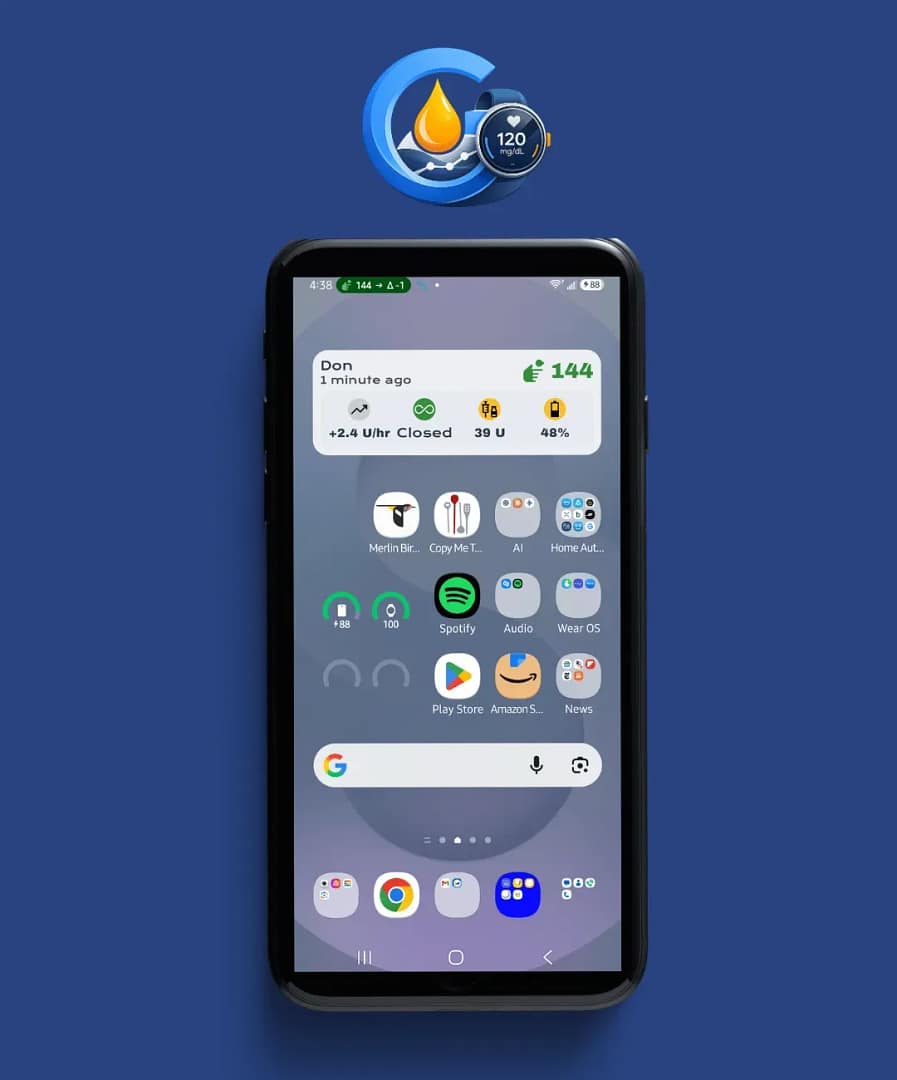
Home-screen widget
Glucose and pump on your home screen.
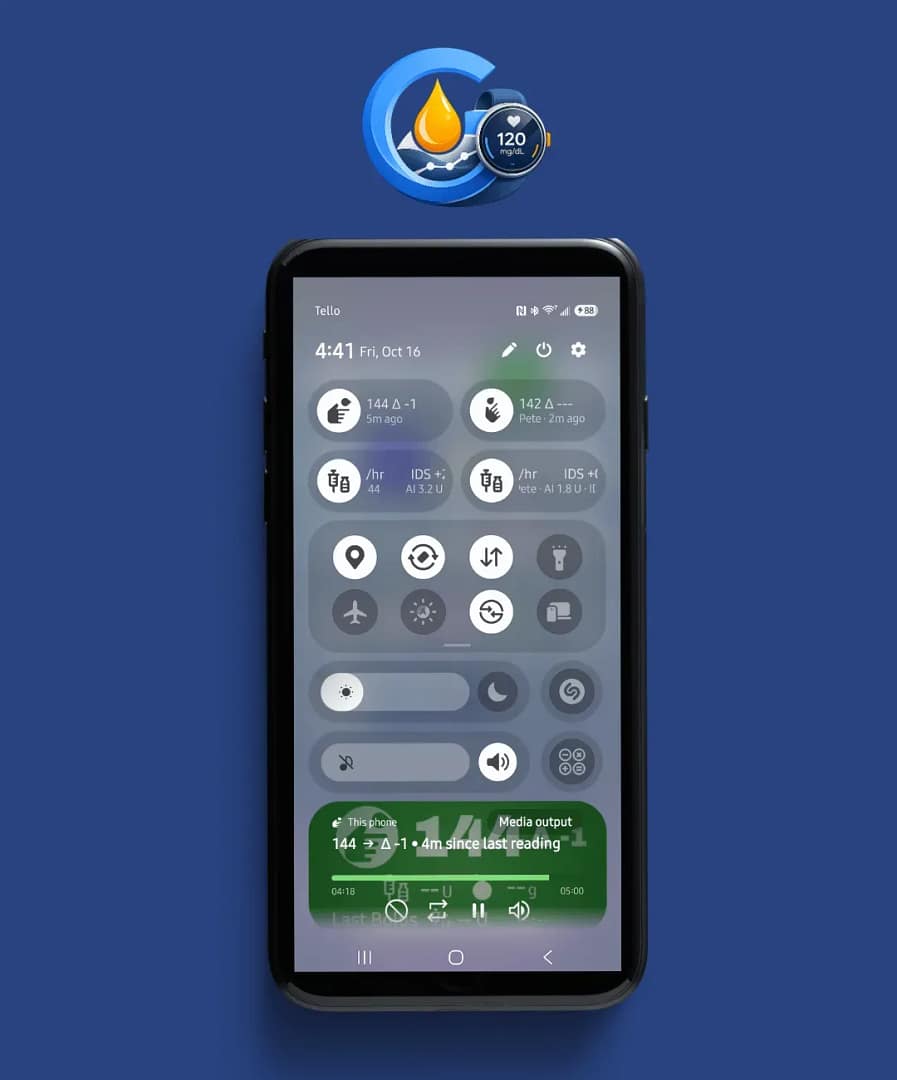
Quick Settings
Glucose, Last Bolus and Insulin tiles.
Watch tile
Glucose, Last Bolus, carbs, pump icons and modifier.
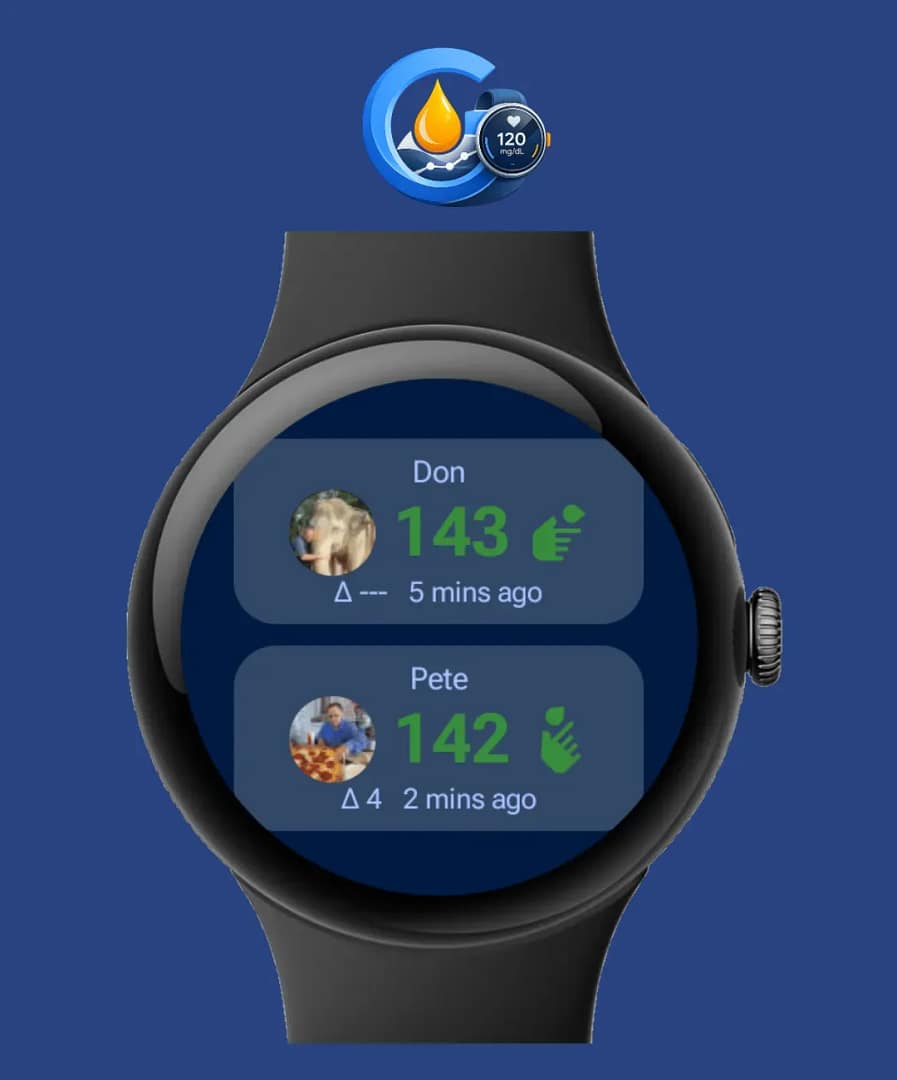
People tile
You on top, the person you follow below, with photos.
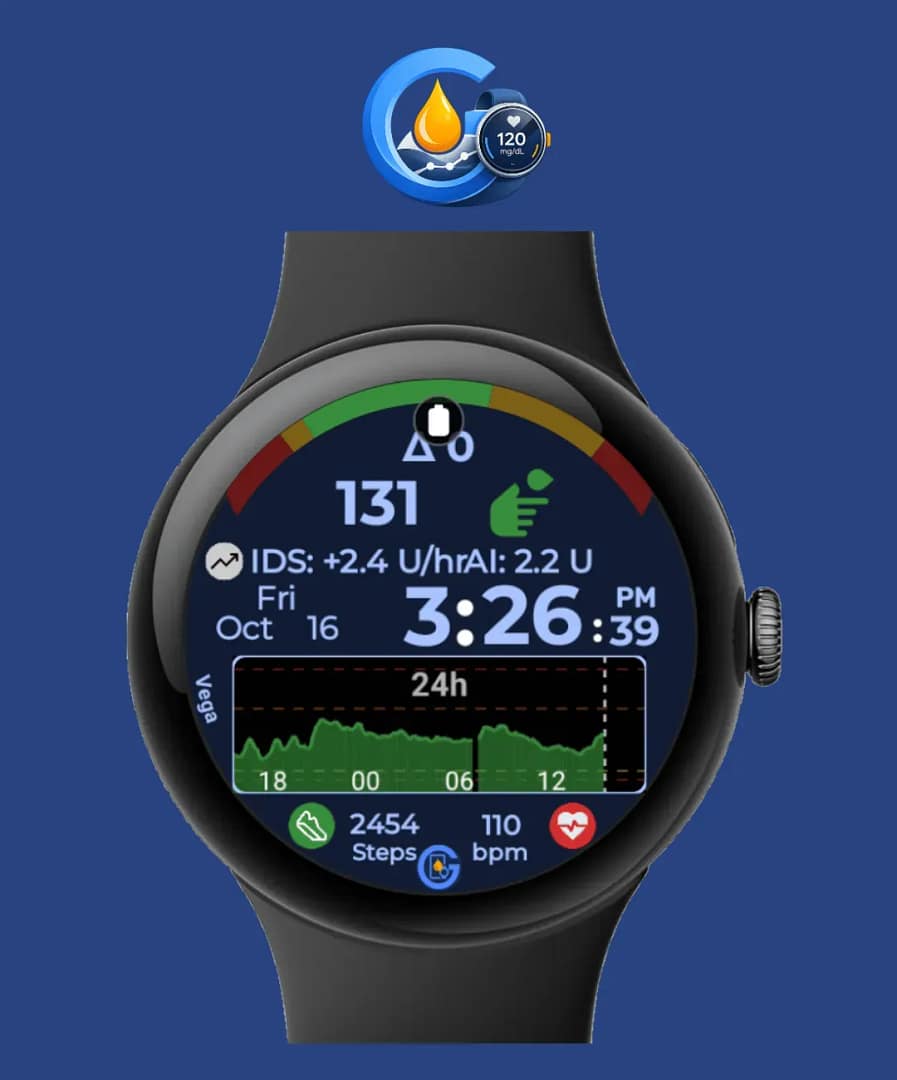
Watch-face complications
Scale and Insulin on your watch face.
Get started
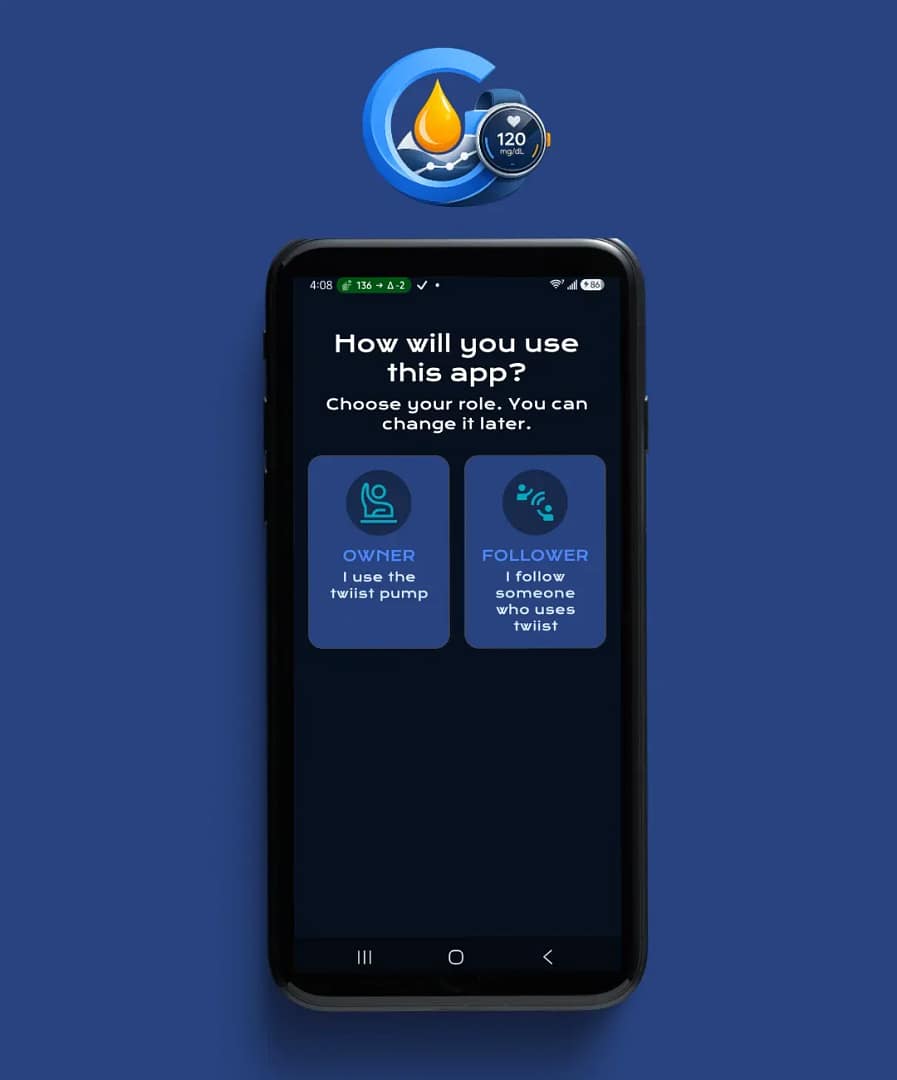
- Pick Owner or Follower.
- Sign in with a twiist follower account.
- Type the name as it appears on the twiist account.
- Optionally follow one extra person, with photos.
Coming next
- Glucose history graph
- Owner mode through GlucoGlance: no second sign-in for owners who also use GlucoGlance
- A proper Settings menu
Good to know
- After a phone restart, background updates don’t start on their own yet.
- Still being tested over longer use: how often twiist asks you to sign in again, updates while the phone sleeps, and what the pump sends when it is off.
twiist™ is a trademark of Sequel Med Tech, LLC. GlucoGlance is not affiliated with or endorsed by Sequel Med Tech. Always use the twiist app for dosing decisions.