Support Docs
- Notifications: Guide to setting up rich notifications and spoken glucose/IOB.
Video Demos
Adding a Follow User:
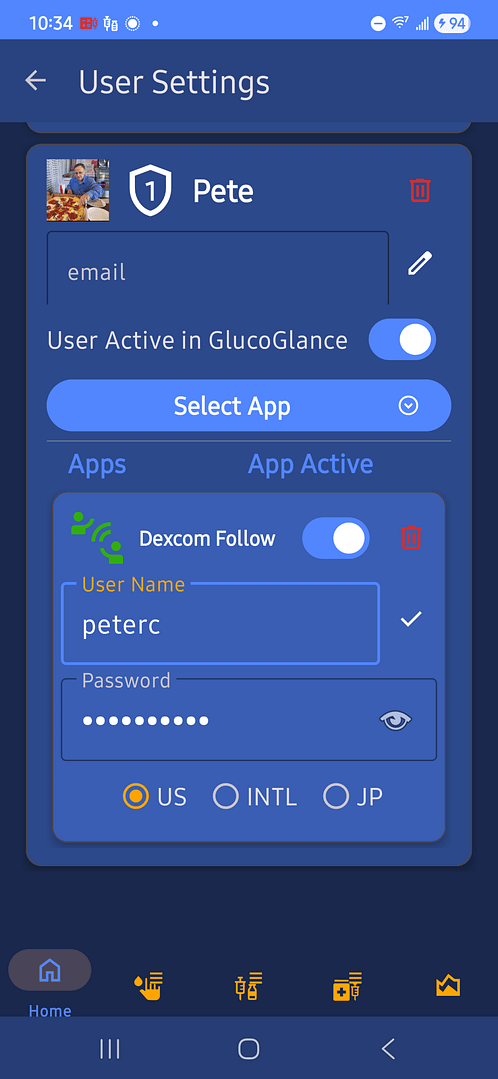
Video showing how to add a Dexcom Follow or Libre LinkUp user.
GlucoGlance Display Settings:
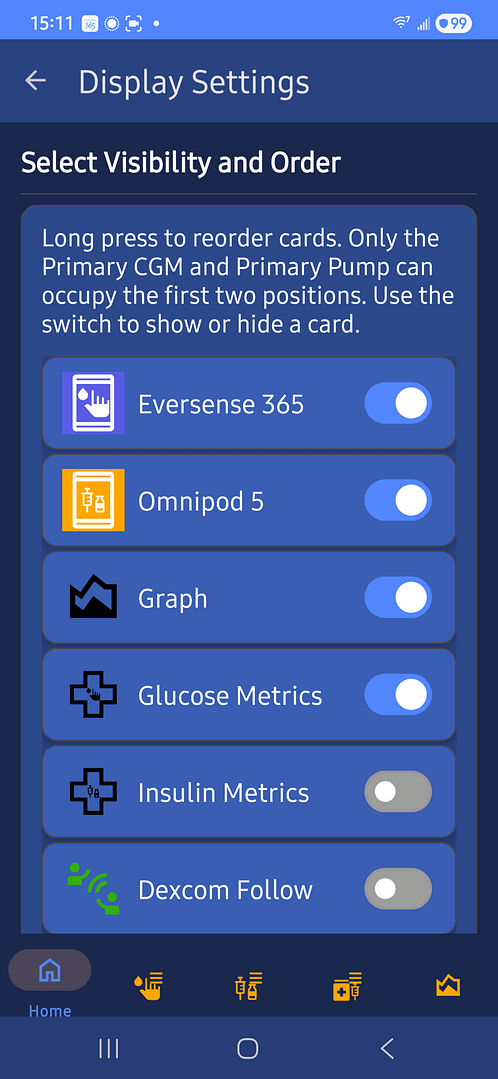
Toggle the switch for the desired card to be displayed in the UI
Just Drag and Drop the desired card to display in a new position.
Desktop Display Setup:

Video showing the Desktop Clock configuration for high-visibility.
Live Wallpaper Setup:
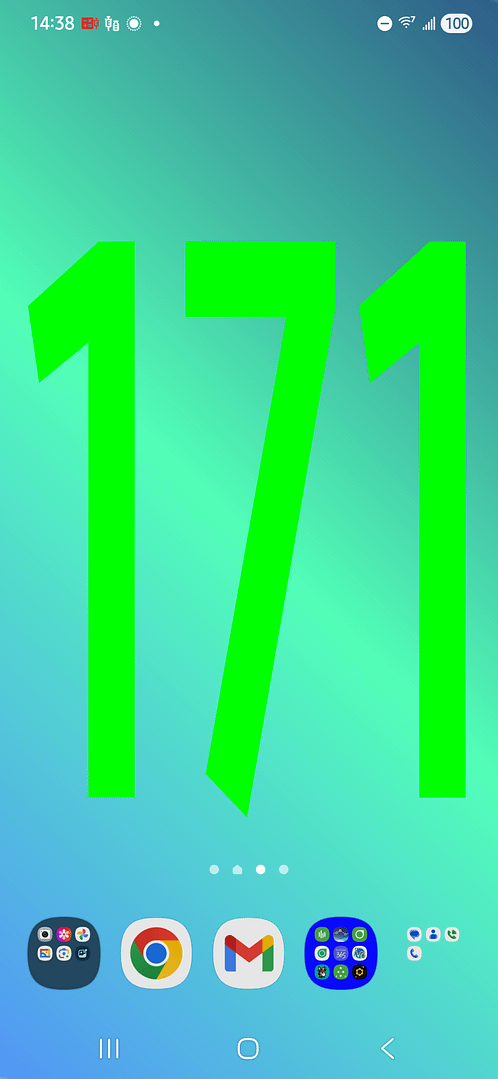
Video showing the Live Wallpaper configuration for constant visibility.
Wear OS onTap Glucose Summary Complication:
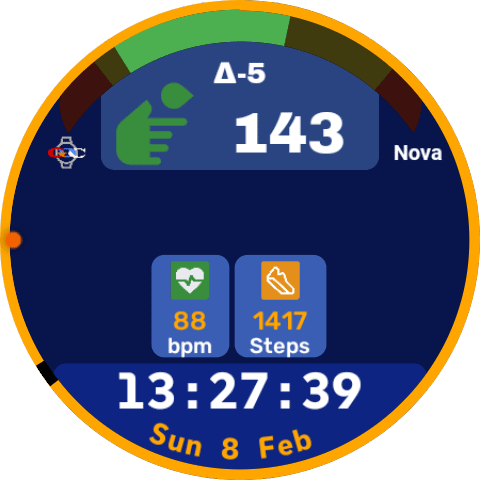
Video showing Multi state Glucose Complication displays Glucose and Time in Rage (TIR) data.
Wear OS onTap Insulin Summary Complication:
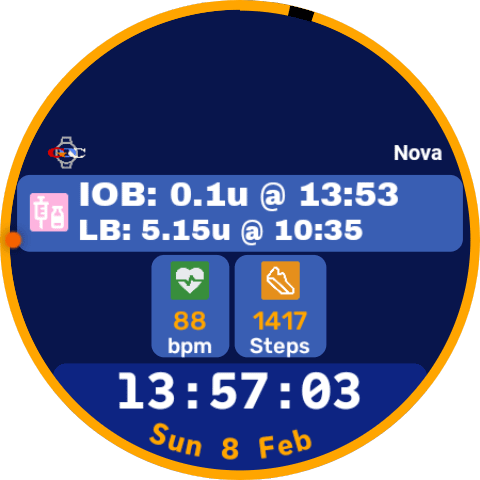
Video showing Multi state Insulin Complication displays, IOB, Last Bolus, Excess Carbs and Excess Insulin Calculations.
Wear OS onTap Battery Swap Complication:
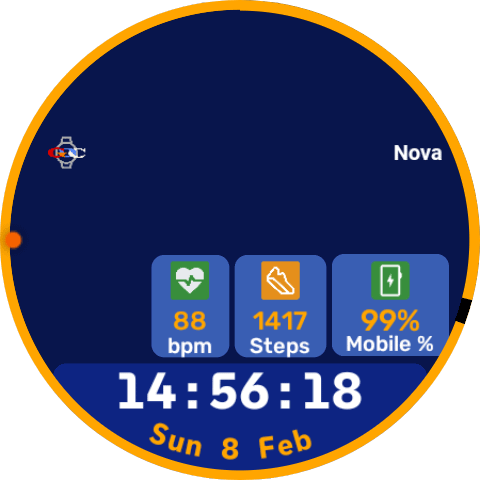
Swap between Mobile and Watch Battery in one Complication
Get Help
Technical Support: support@glucoglance.com
Troubleshooting FAQ: A searchable database for sync errors and battery optimization tips.